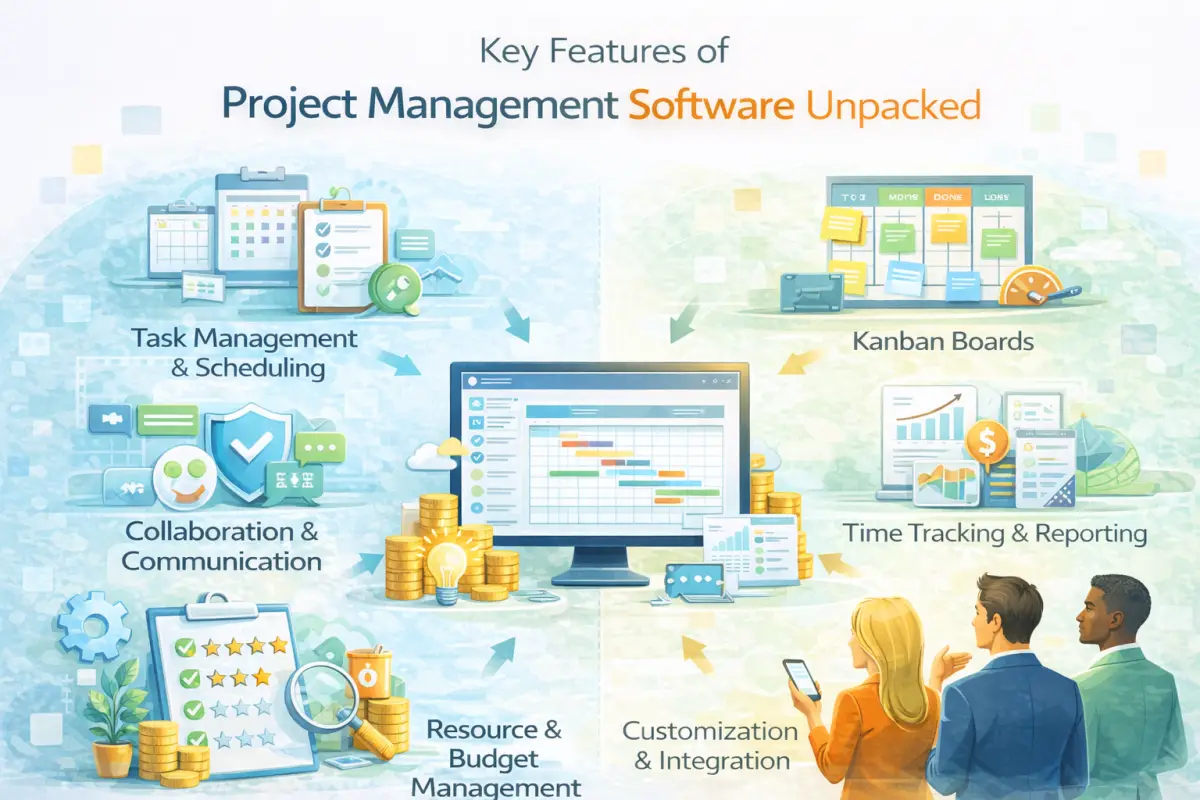
Key Features of Project Management Software Unpacked
Why Project Management Software Features Matter
Choosing the right project management software is critical for any organization. The features it offers can significantly impact how teams collaborate and execute their tasks. Understanding these features is essential for making informed decisions that align with business goals.
In a world where remote work is increasingly common, having effective project management tools can foster productivity. The right software can help streamline processes, improve communication, and ensure that everyone is on the same page. With many options available, knowing what features to prioritize can make a difference in project success.
Core Features of Project Management Software
When evaluating project management software, certain features stand out as fundamental. These core functionalities are vital for effective project execution and team coordination.
One of the most important aspects is task management. A good tool allows users to create tasks, assign responsibilities, and track progress. Additionally, visual project planning tools, such as Gantt charts and Kanban boards, help teams visualize timelines and workflows. This visual component simplifies understanding project stages and deadlines.
1. Task and Subtask Management
Effective task management is the backbone of any project. Users should be able to break down larger projects into manageable subtasks. This helps teams to focus on specific components, making progress easier to track and manage.
2. Visual Project Planning Tools
Visual tools provide clarity. They allow teams to see the relationship between various tasks and their deadlines. Gantt charts are popular for this reason, offering a clear timeline view of project milestones. Kanban boards are also effective for illustrating workflow and status updates.
Enterprise-Grade Features for Large Organizations
For larger organizations, additional features become necessary. These enterprise-grade functionalities can scale with the business and cater to complex projects.
Advanced reporting capabilities are essential for tracking project health. Customizable dashboards that provide insights into progress, budgets, and resource allocation can help managers make informed decisions. Additionally, security features ensure that sensitive data is protected, which is crucial for compliance in larger companies.
3. Team Collaboration and Communication
Collaboration tools are vital, especially in a remote work environment. Integrated chat features, file sharing, and comment sections enhance communication among team members, reducing misunderstandings.
4. Resource and Workload Management
Managing resources effectively is another key feature. The software should allow managers to allocate resources based on availability and skill sets. This ensures that workloads are balanced and that no team member is overwhelmed with tasks.
How the Right Features Improve Business ROI
Investing in project management software with the right features can yield a high return on investment. Effective tools can reduce project delays and improve overall productivity.
By automating repetitive tasks, teams can focus on higher-value work. Features like time tracking and productivity monitoring provide insights into how resources are utilized, helping identify areas for improvement. When teams can operate efficiently, the cost savings can be significant.
5. Time Tracking and Productivity Monitoring
Time tracking features are essential for understanding where team members spend their time. This data can help in assessing productivity and identifying bottlenecks in processes.
6. Reporting and Analytics
Analytics tools help managers understand project performance. Regular reports can highlight areas needing adjustment, ensuring projects stay on track and within budget.
Future Trends in Project Management Software Features
The landscape of project management software is constantly evolving. Staying updated with emerging trends can help organizations remain competitive.
Artificial intelligence is playing an increasing role in project management. AI solutions can assist with predictive analytics, helping teams foresee challenges before they arise. Additionally, the integration of cloud computing ensures that teams can access their projects anywhere, fostering flexibility.
7. Automation and Workflow Rules
Automation tools can significantly enhance efficiency. By setting up workflow rules, teams can automate routine tasks, allowing them to focus on critical work instead.
8. Integrations with Business Tools
Seamless integration with other business tools is becoming more common. This allows teams to work within a unified system, reducing friction and improving data accuracy.
Final Thoughts
Choosing the right project management software is a significant decision for any organization. Understanding the essential features can help streamline operations and improve project outcomes.
As businesses continue to evolve, staying informed about the latest tools and technologies is crucial. The right software can lead to better collaboration, increased productivity, and ultimately, a higher ROI.
9. Security and Access Control
Security features are non-negotiable, especially for larger organizations. Access control measures ensure that only authorized personnel can view sensitive information.
10. Support for Agile and Hybrid Methodologies
With the rise of agile and hybrid project management approaches, support for these methodologies is essential. Tools that allow for flexible project management can help teams adapt to changes quickly.