Top Mobile CRM Solutions for Sales Teams
Why Sales Teams Necessitate Mobile CRM
In today’s fast-paced business environment, sales teams require tools that can keep up with their dynamic needs. Mobile CRM applications facilitate instant access to vital customer data, enabling sales professionals to stay informed while on the move. This ensures they can engage clients effectively and respond to inquiries without delay.
Moreover, mobile CRM solutions support real-time updates, allowing team members to collaborate and share information seamlessly. This level of connectivity enhances communication within the team and provides a more cohesive customer experience. Ultimately, mobile CRM serves as a vital resource that streamlines processes and boosts sales effectiveness.
Essential Features of Effective Mobile CRM Apps
When evaluating mobile CRM applications, it’s crucial to consider specific features that can significantly enhance a sales team's performance. User-friendly interfaces are essential, as they enable quick navigation and ease of use. Additionally, integration capabilities with other software tools can streamline workflows and enhance productivity.
Another important feature includes offline access. This allows sales professionals to view and update customer information even when they are not connected to the internet. Other valuable features include lead tracking, analytics, and customizable dashboards that provide insights tailored to the team's needs.
Evaluating the Leading Mobile CRM Apps
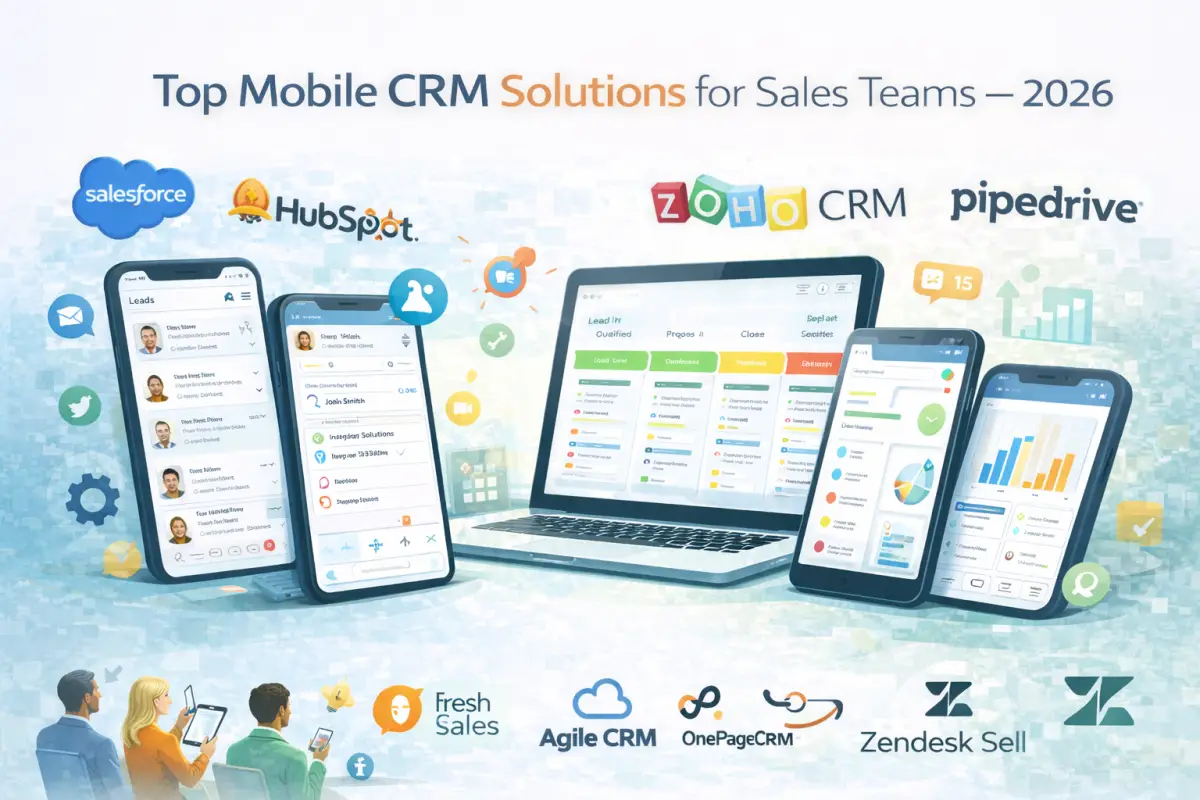
There are numerous mobile CRM options available, each with its unique advantages. Some of the most notable solutions include Salesforce, HubSpot, and Zoho CRM. These platforms offer a range of features designed to cater specifically to sales teams.
Salesforce is often recognized for its extensive customization options and robust reporting tools. HubSpot, on the other hand, offers a more intuitive user interface and excellent integration with marketing tools. Zoho CRM is known for its affordability and comprehensive functionality, making it a great choice for small to medium-sized businesses.
How Mobile CRM Enhances Sales Team Efficiency
Mobile CRM applications can significantly improve the productivity of a sales team. By providing immediate access to customer information, sales reps can prepare for meetings more effectively and tailor their pitches to specific client needs. This targeted approach can lead to higher conversion rates and customer satisfaction.
Furthermore, with features like automated reminders and task lists, mobile CRM helps sales professionals stay organized and focused. The ability to track interactions and follow-ups ensures that no opportunities are overlooked, ultimately leading to increased sales and revenue.
A Guide to Choosing the Right Mobile CRM
Selecting the ideal mobile CRM for your sales team involves several steps. First, assess your team’s mobility needs. Consider how often team members are on the road and what information they require access to while away from the office.
Next, identify the essential features that your team cannot do without. This might include contact management, integration capabilities, or reporting features. Following this, test the user experience of different platforms. A CRM should be intuitive and easy to navigate to minimize the learning curve for your team.
1. Assess Your Team’s Mobility Needs
Consider the daily routines of your sales team. How often do they work outside the office? Understanding their mobility needs will guide you in selecting the right CRM solution.
2. Identify Must-Have Features
Make a list of the features that are critical for your operations. Determine which functionalities can significantly improve your team’s efficiency.
3. Test User Experience
Many CRM providers offer trial versions. Take advantage of these to evaluate the usability of the software. A positive user experience can lead to better adoption rates among your sales team.
4. Check Tier-1 Market Compatibility
Ensure the chosen CRM supports operations in your target markets, such as the US, UK, Canada, and Australia. Compatibility with local regulations and practices is essential for smooth implementation.
5. Analyze Pricing and Scalability
Compare pricing structures among different mobile CRM solutions. Look for options that fit your budget while also offering scalability to accommodate future growth.
Case Studies: Mobile CRM Success in Tier-1 Markets
Several organizations in Tier-1 markets have successfully implemented mobile CRM solutions. For instance, a leading tech company in the US adopted a mobile CRM that integrated with their existing systems, resulting in a 30% increase in sales productivity within six months.
In Canada, a retail chain utilized mobile CRM to enhance customer engagement. By providing sales associates with access to customer purchase history on their mobile devices, they improved upselling opportunities and overall customer satisfaction.
Conclusion
Mobile CRM applications are essential for modern sales teams looking to improve their efficiency and effectiveness. With a vast array of options available, careful evaluation of features, compatibility, and pricing will help organizations find the best solutions for their specific needs. By investing in the right mobile CRM, sales teams can enhance their performance and drive better results.
FAQs
1. Which mobile CRM is best for sales teams?
The best mobile CRM varies by team needs. Salesforce, HubSpot, and Zoho CRM are popular options, each offering unique features.
2. How does mobile CRM improve productivity?
Mobile CRM enhances productivity by providing quick access to customer data and automated reminders, helping sales reps stay organized and focused.
3. Can mobile CRM work offline?
Many mobile CRM apps offer offline access, allowing users to retrieve and update information without an internet connection.
4. Are mobile CRMs secure?
Most reputable mobile CRMs implement strong security measures, including data encryption and user authentication, to protect sensitive information.
5. How do I measure ROI from mobile CRM?
To assess ROI, track key performance metrics before and after implementing the CRM. Look for increases in sales, customer satisfaction, and team productivity.